Pixelblaze fanboy over here, truly thankful for all of the fun creative avenues Pixelblaze has opened up for me. I’m always dreaming up something new to build with them. You’ve really built something remarkable.
By trade, I’m a UX designer. By night, I’m a constant tinkerer. So purely for a lick of fun I started noodling with the Pixelblaze UI. I thought it might be fun to share what a dedicated UX pass might look like, offered freely, and in the spirit of fan art, or a love letter, or like a design pull request or something. Also recognizing fully I know far less about the limits of the ESP32 chips.
UI FOUNDATION
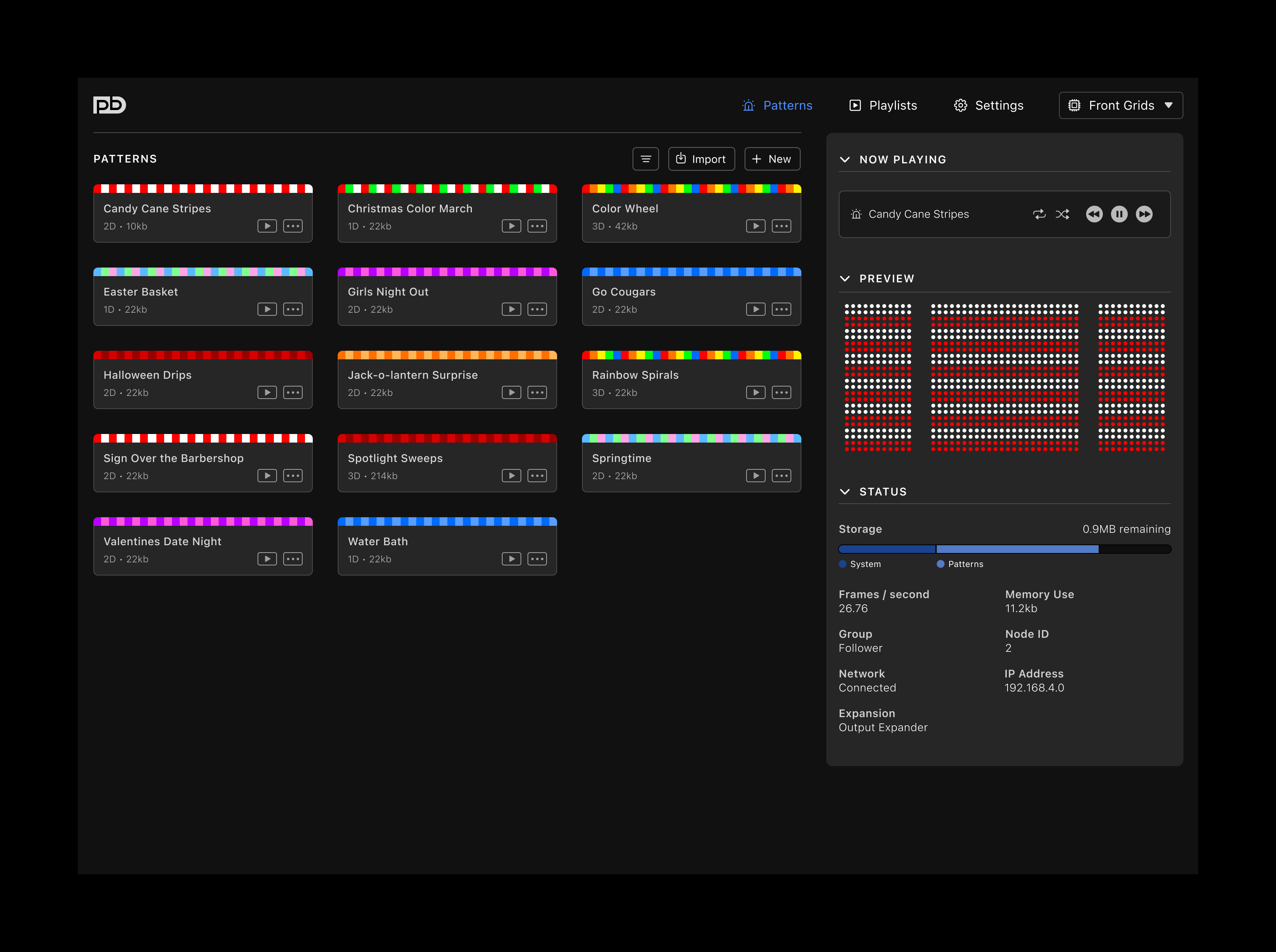
– simplified main nav
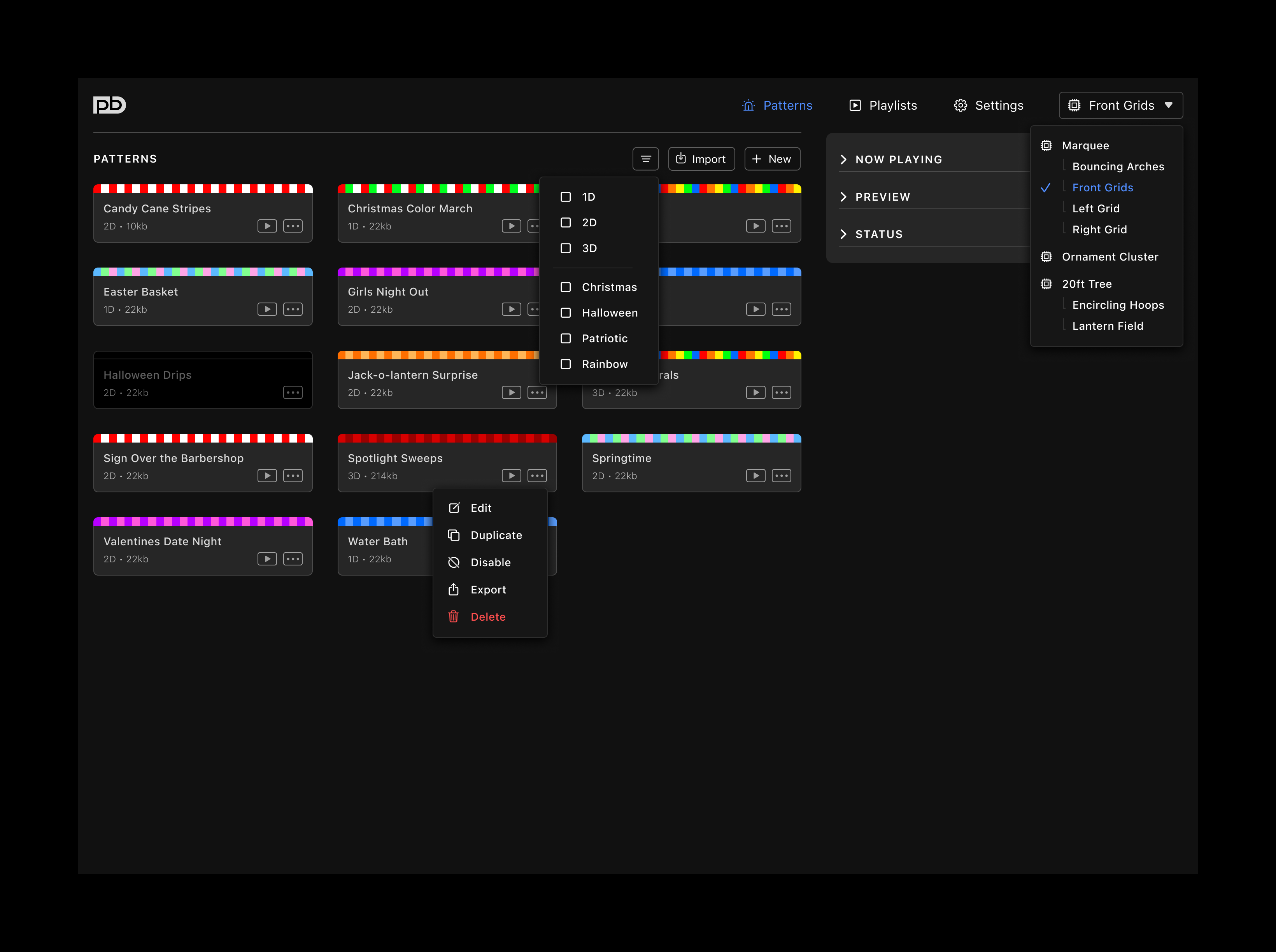
– menu for selecting pixelblaze chip to manage
– contextually applicable widgets in right column that can expand or collapse as needed
PATTERN TAB
– mostly a reconfiguration of existing functionality
– addition of tag filters for patterns for quicker sorting and location of patterns
PATTERN EDITOR
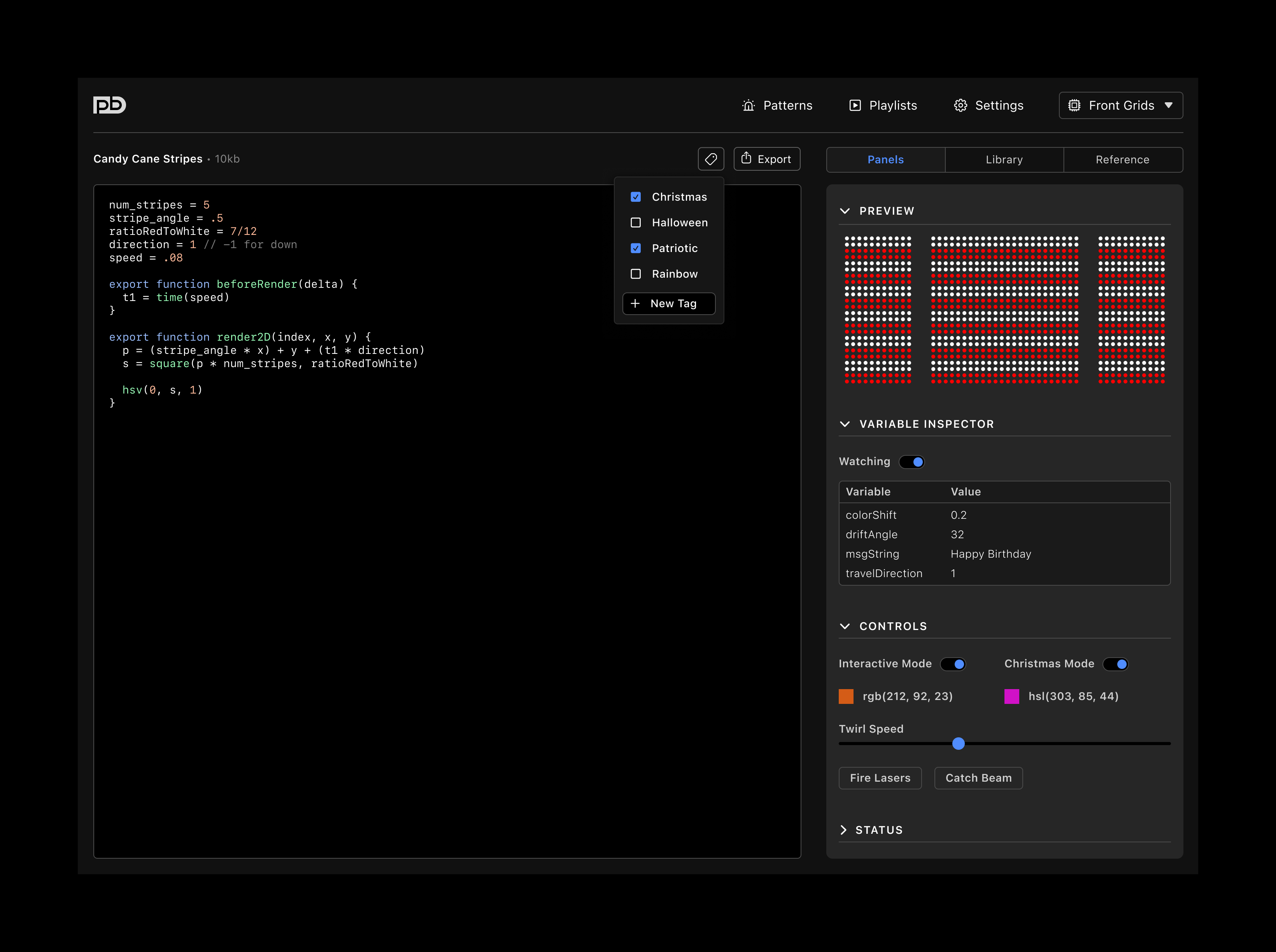
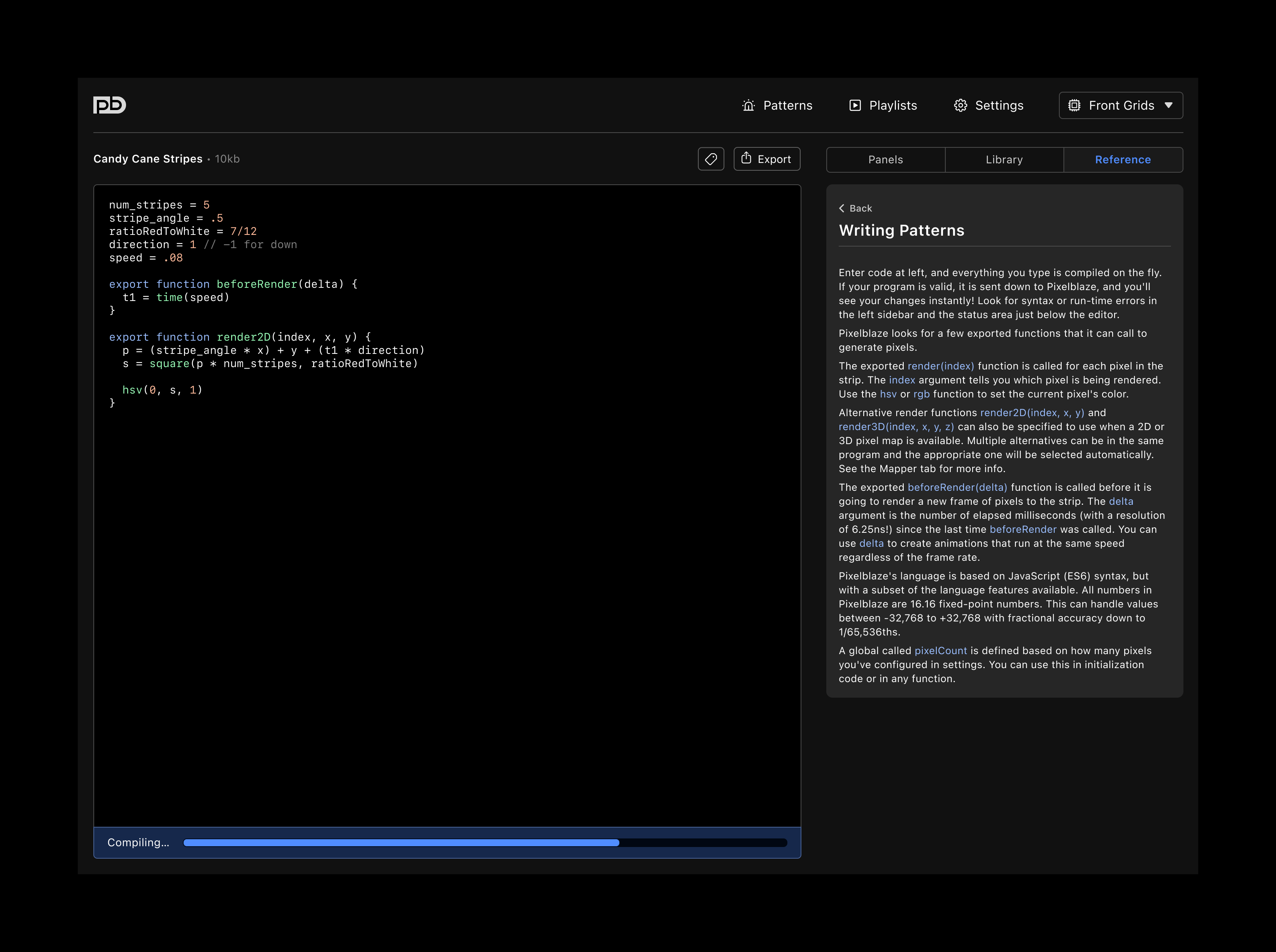
– autosave
– add and remove tags
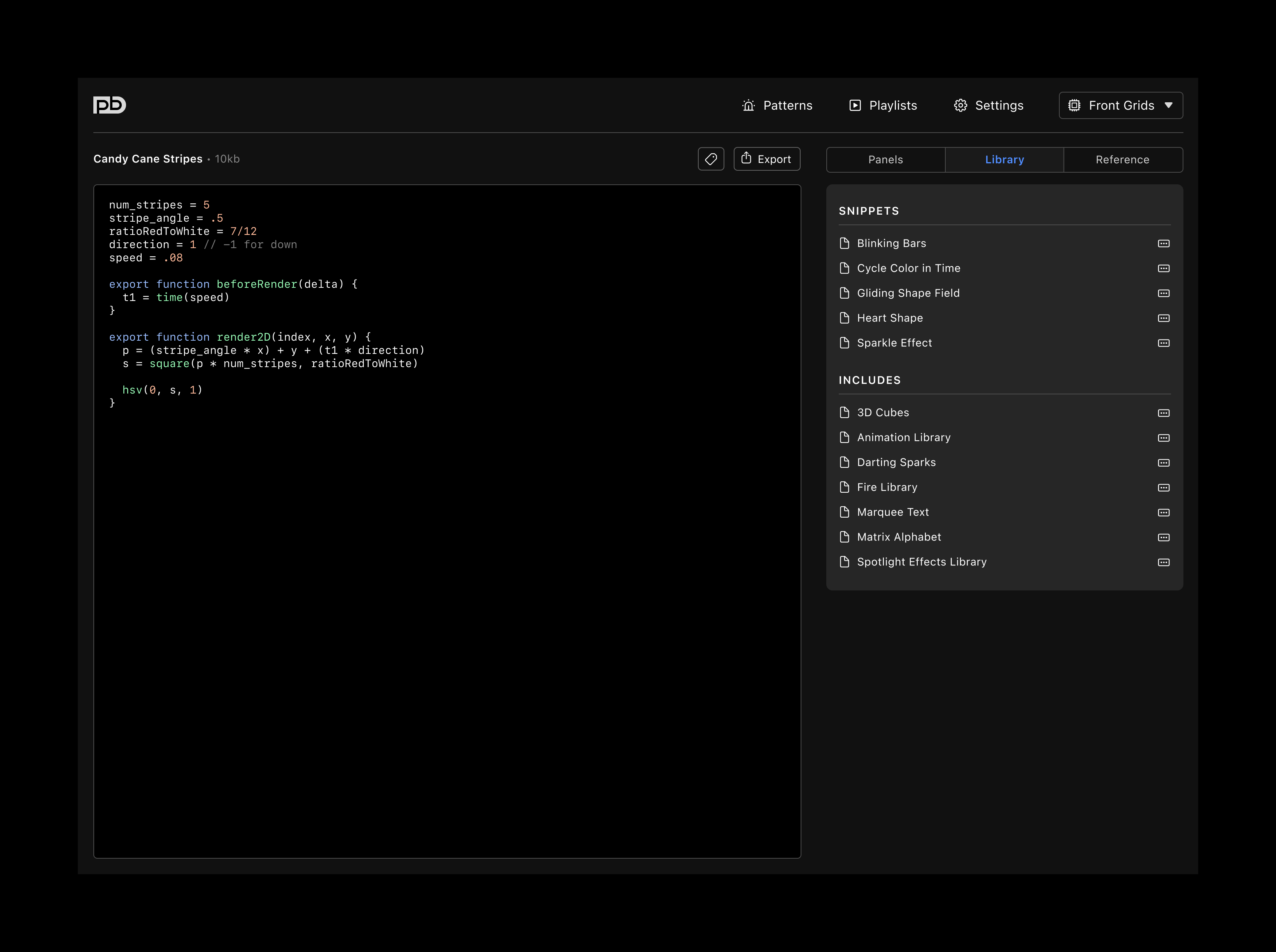
– new library allows pasting in saved snippets, and @includeinclude libraries and reusable segments
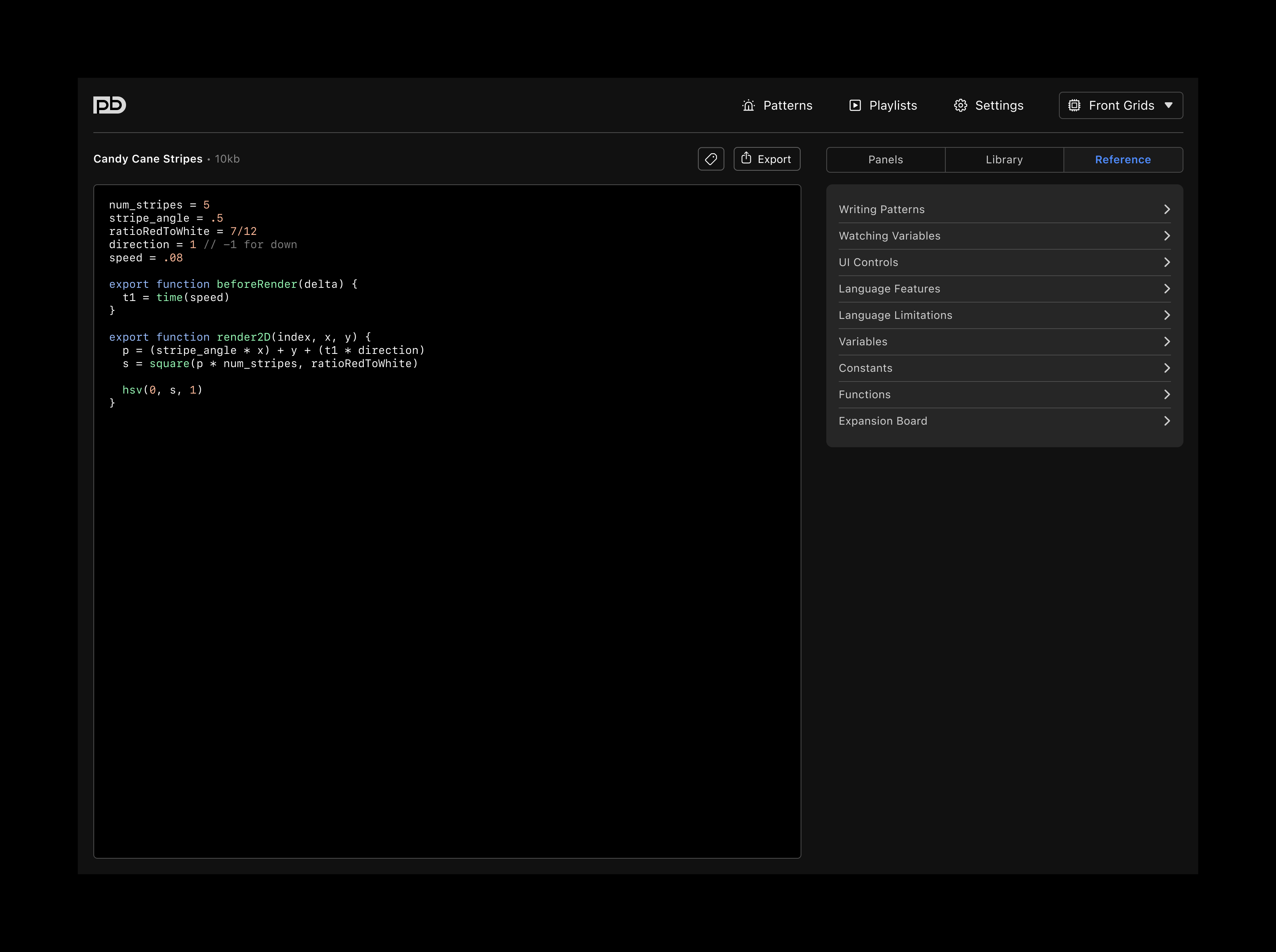
– language reference documentation moved to sidebar
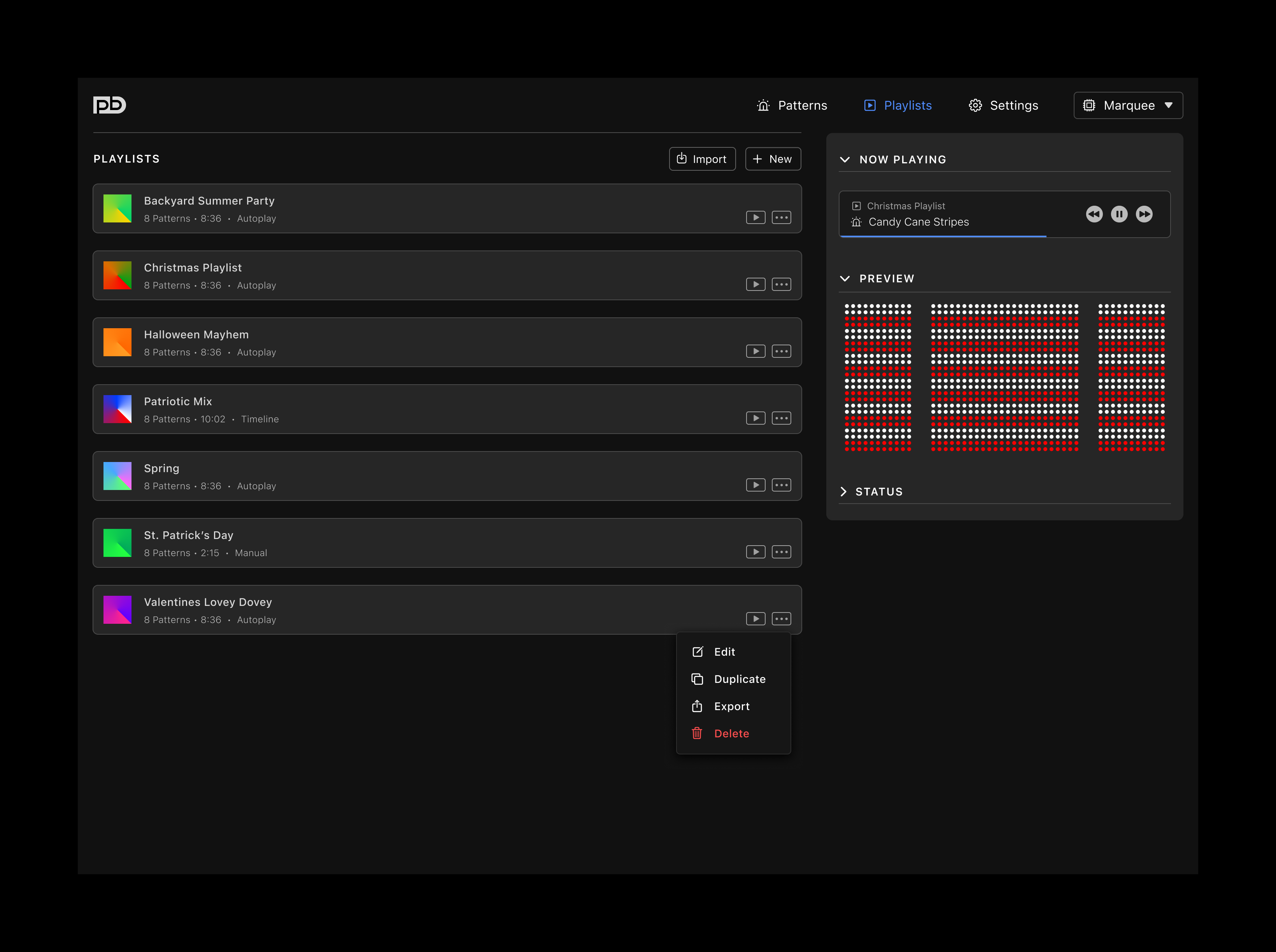
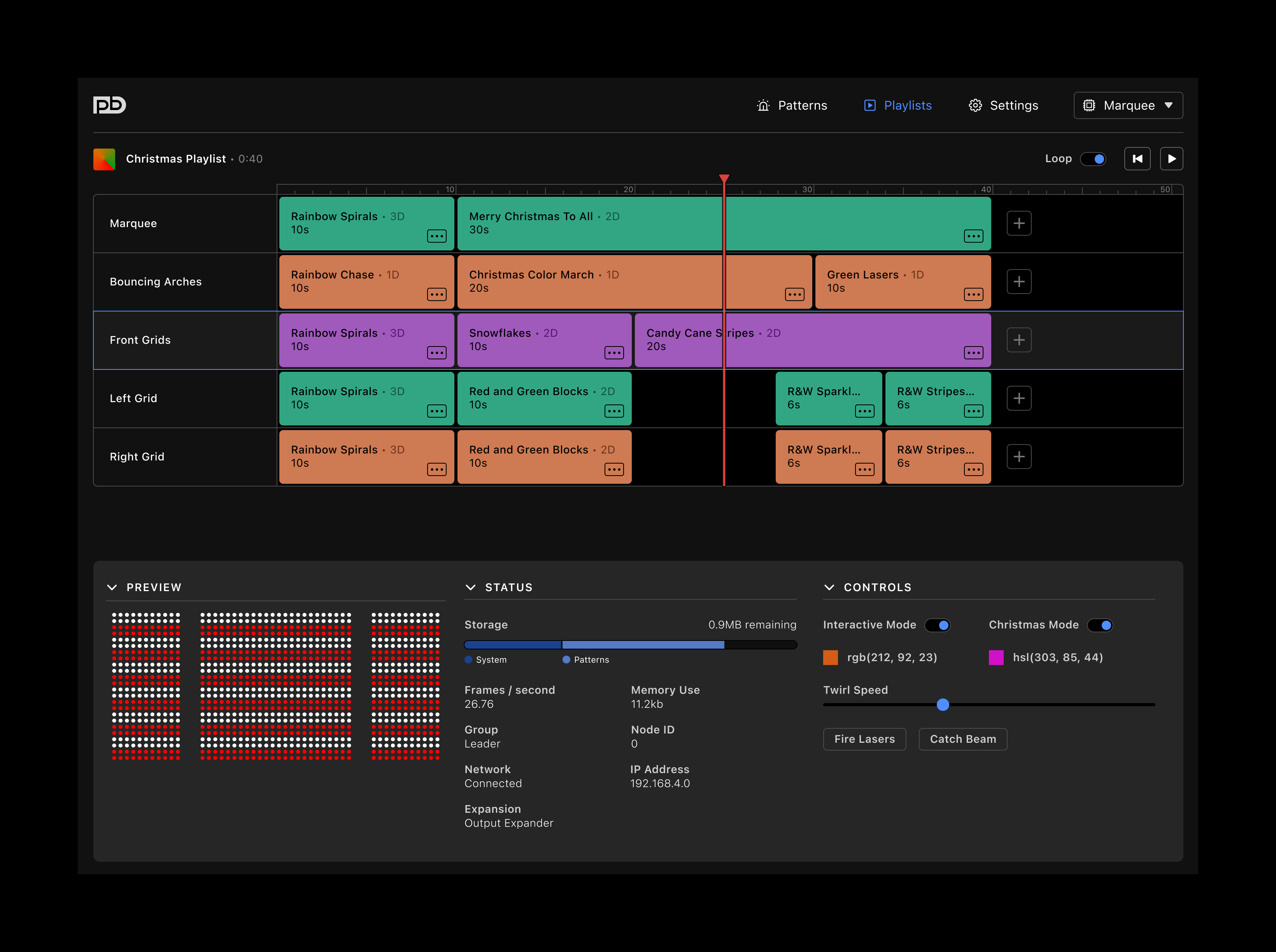
NEW PLAYLIST TAB
– provides means for saving more than one playlist
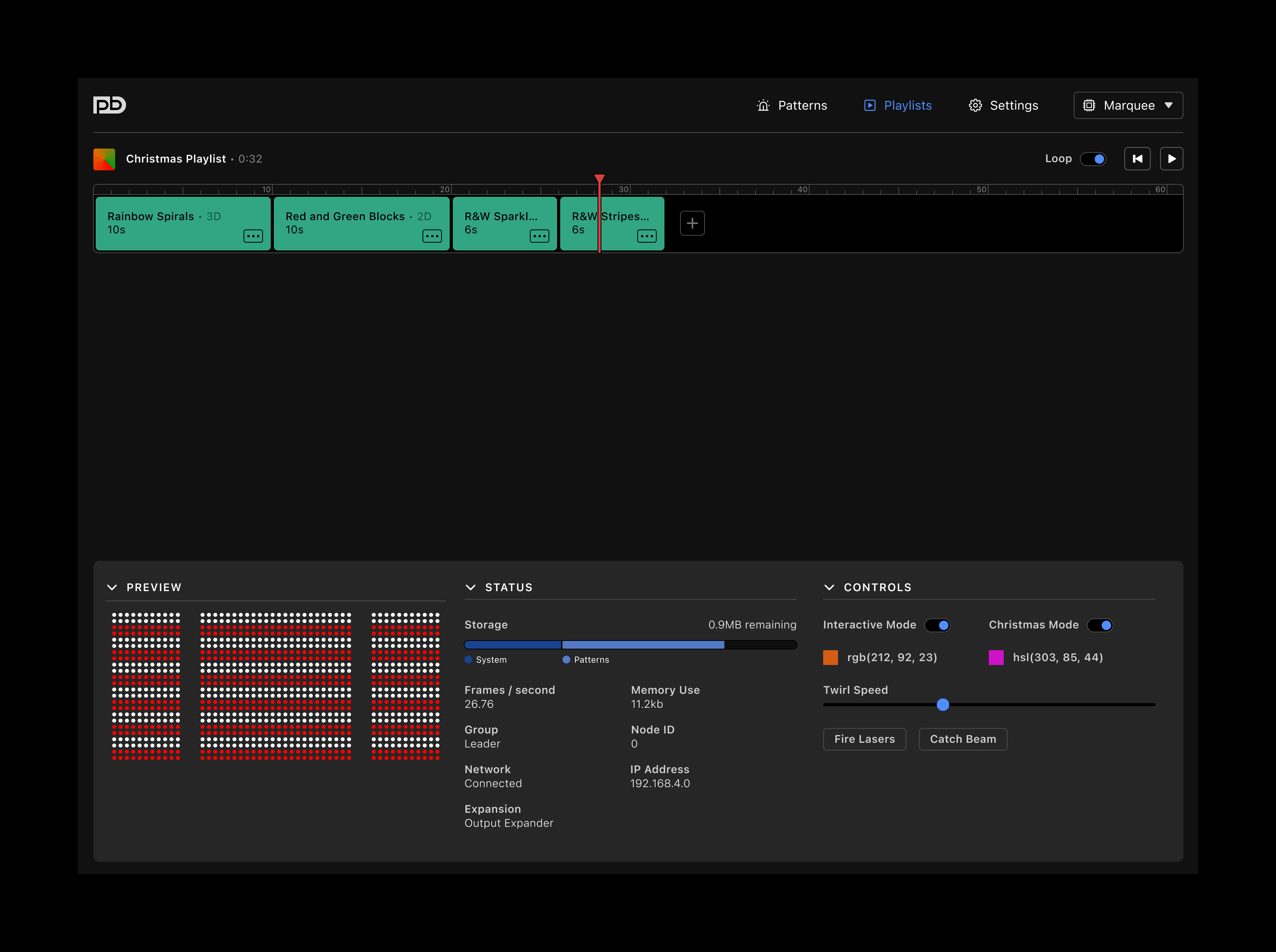
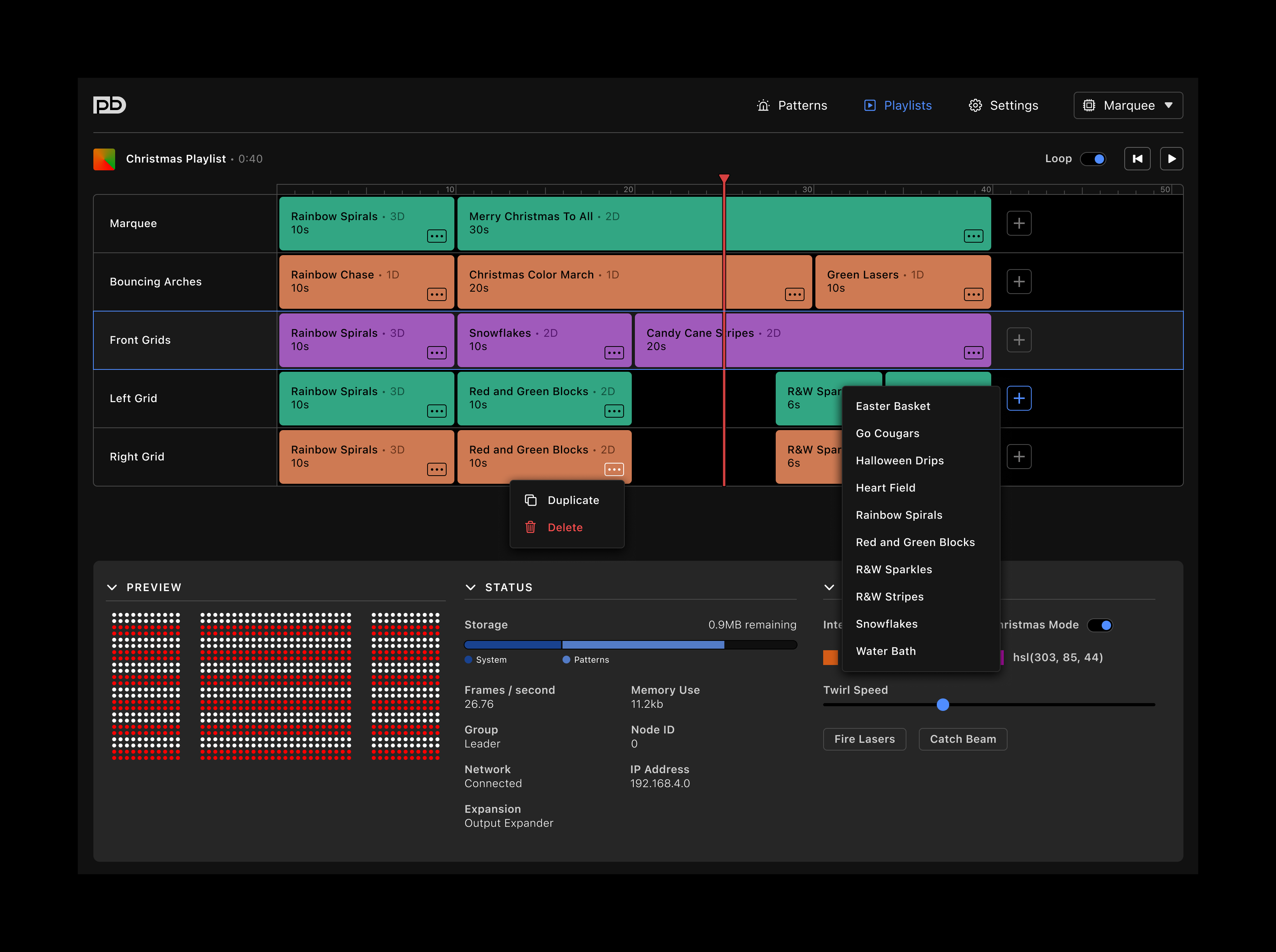
PLAYLIST EDITOR
– rearranged in a timeline-like format
– inclusion of a loop toggle for cases when performative use cases require only one iteration
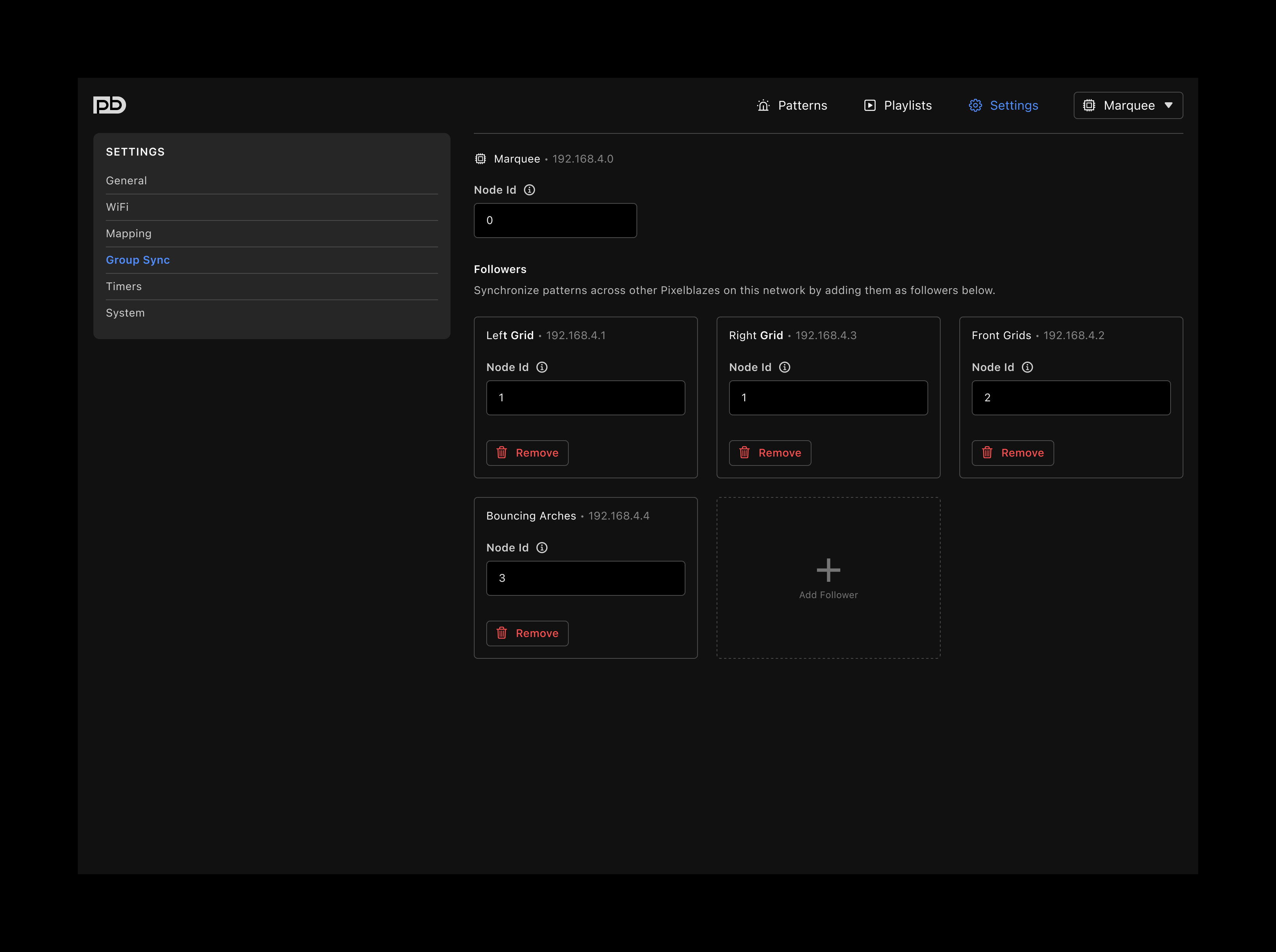
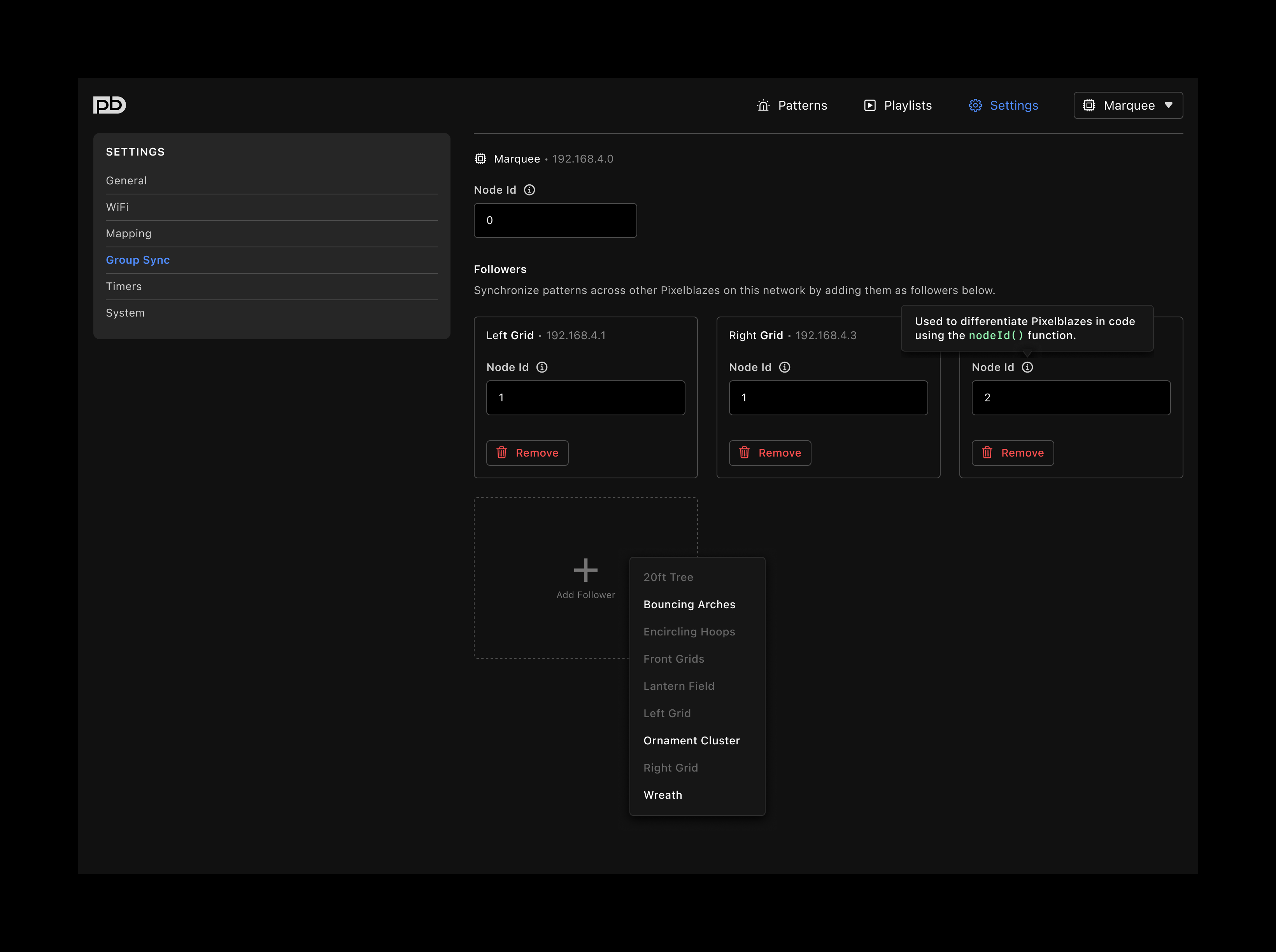
– when followers are configured, a track for each Pixelblaze is configurable
– Pixelblazes retain their own pattern libraries
– patterns of each respective Pixelblaze can be triggered in time, eliminating the need for mega-patterns that control many Pixelblazes at once
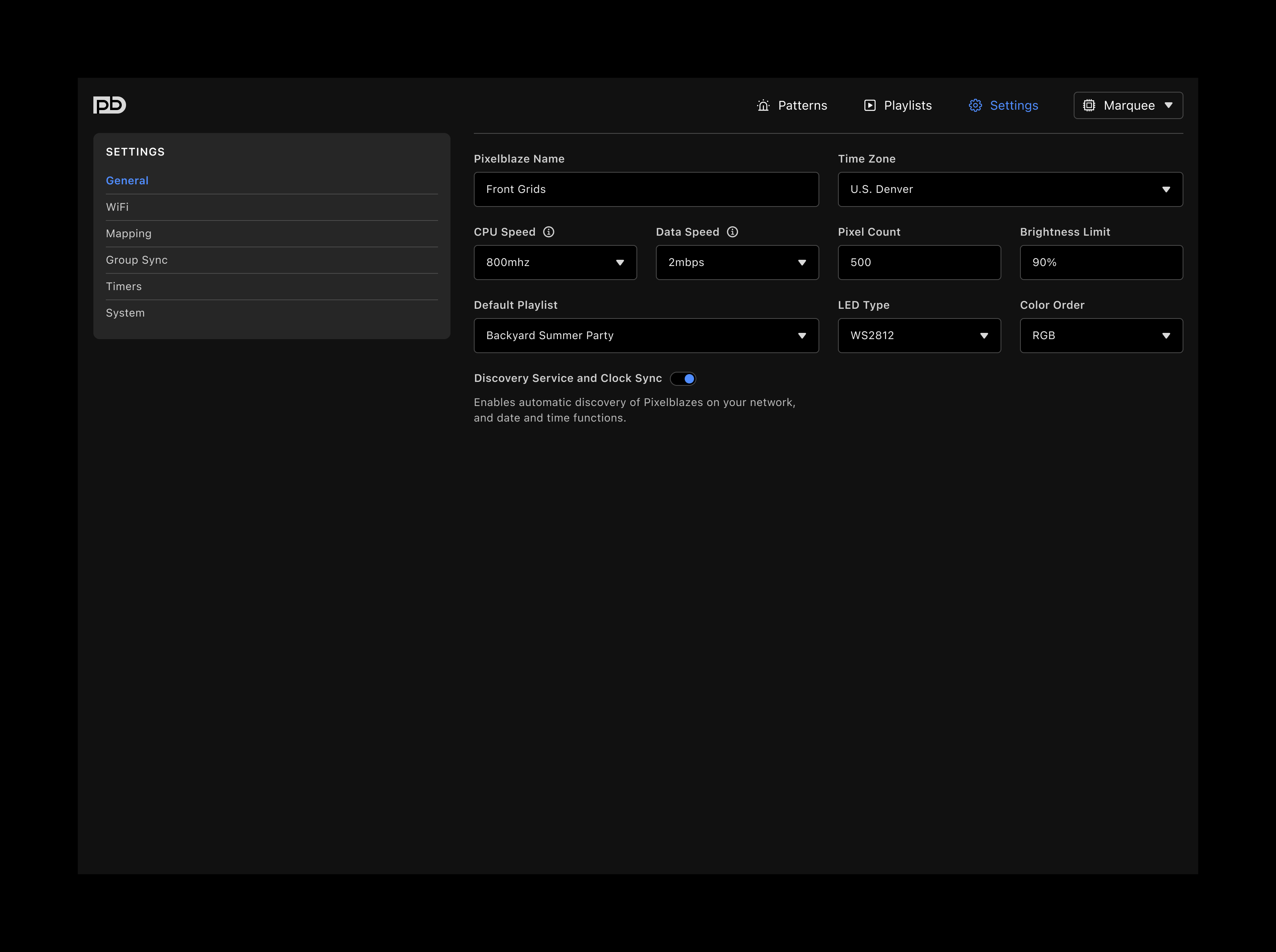
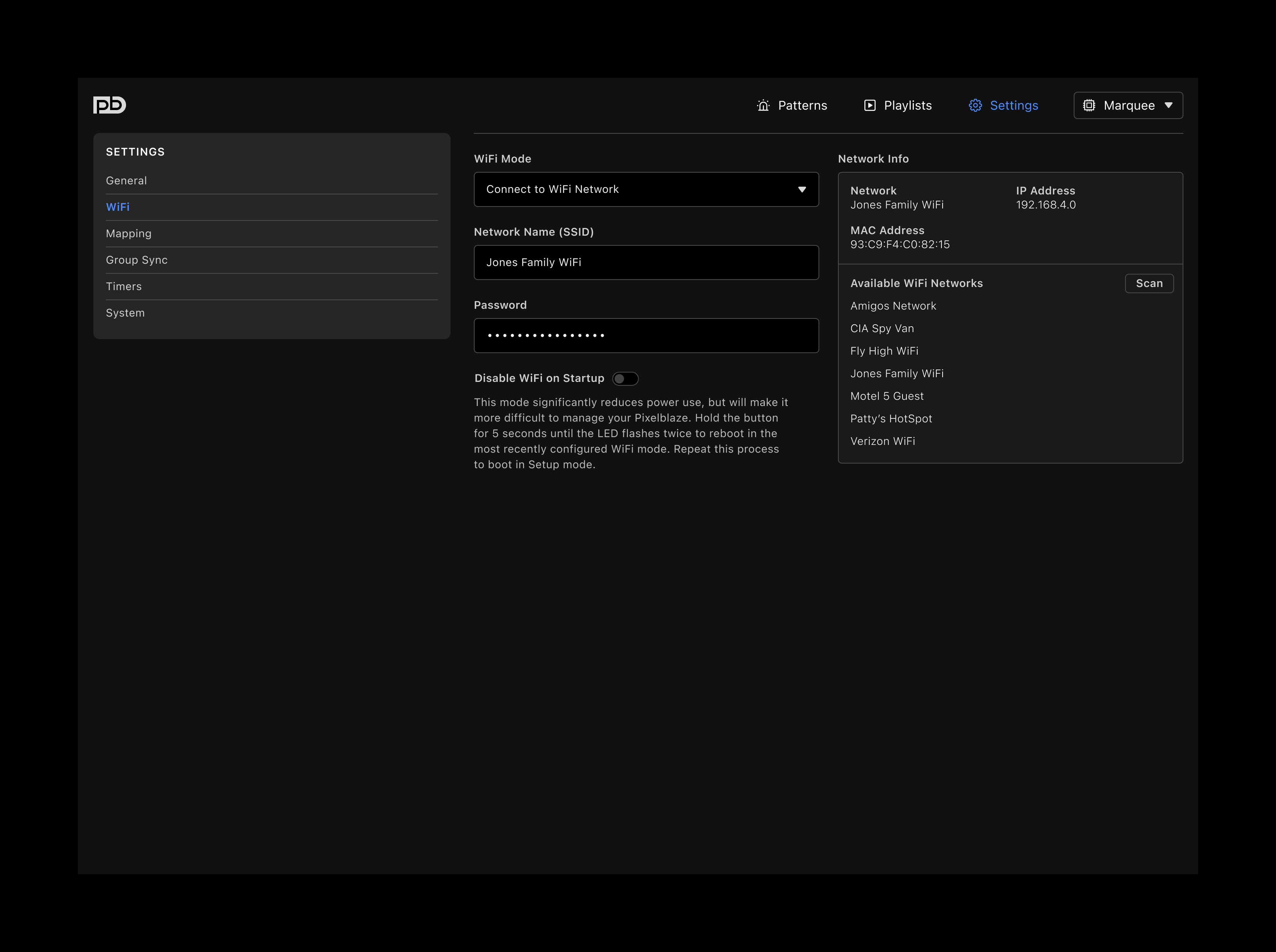
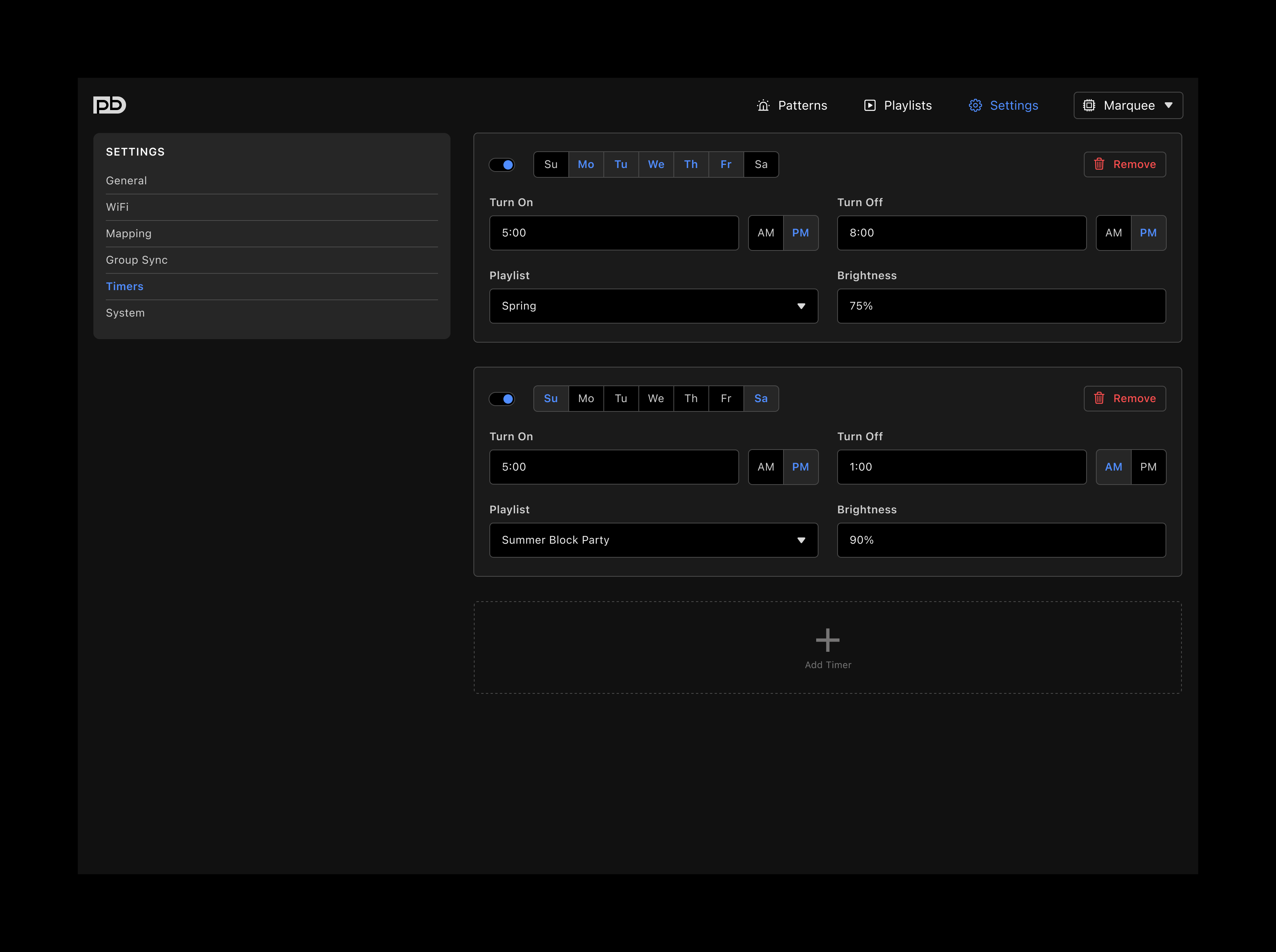
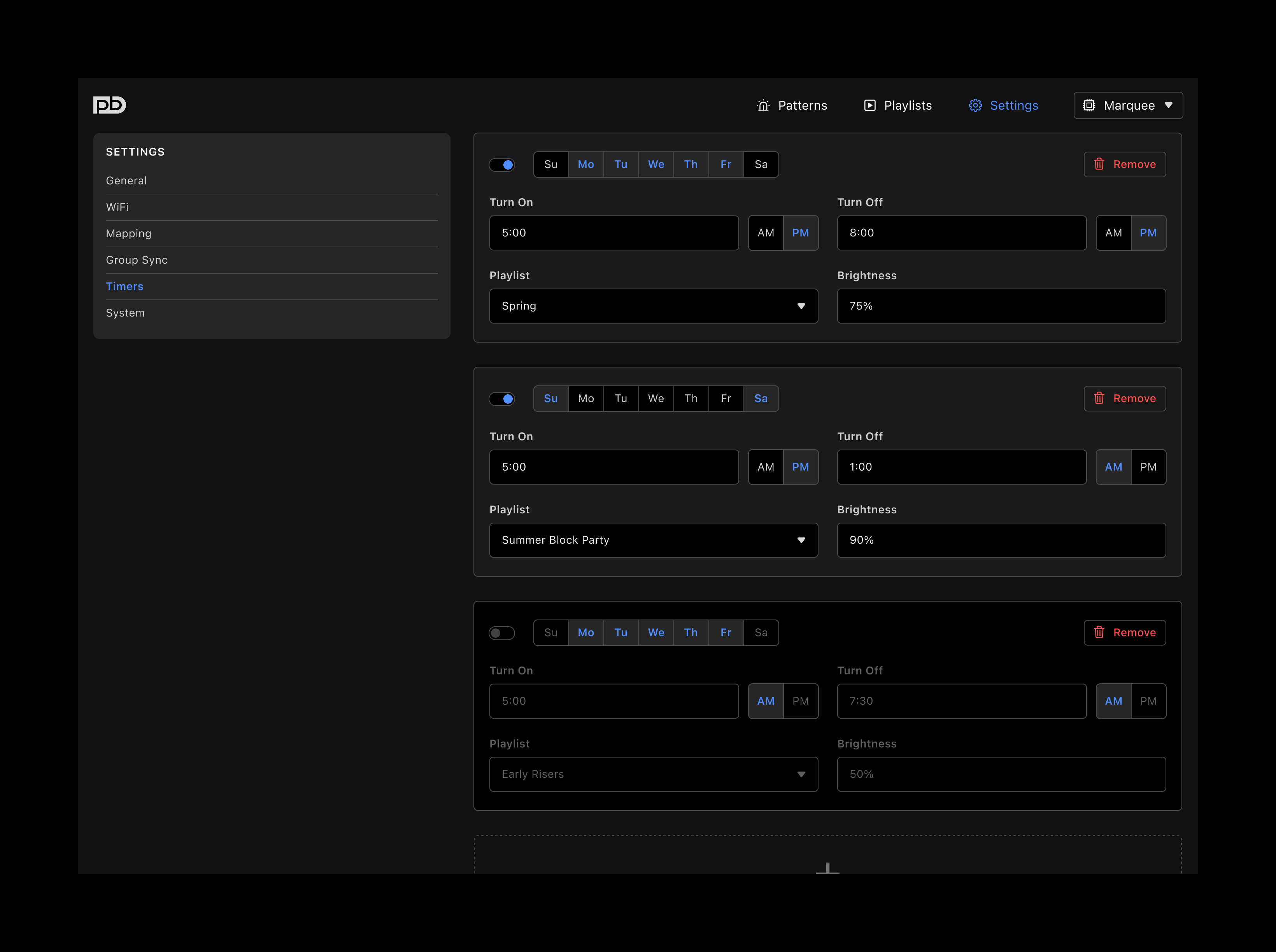
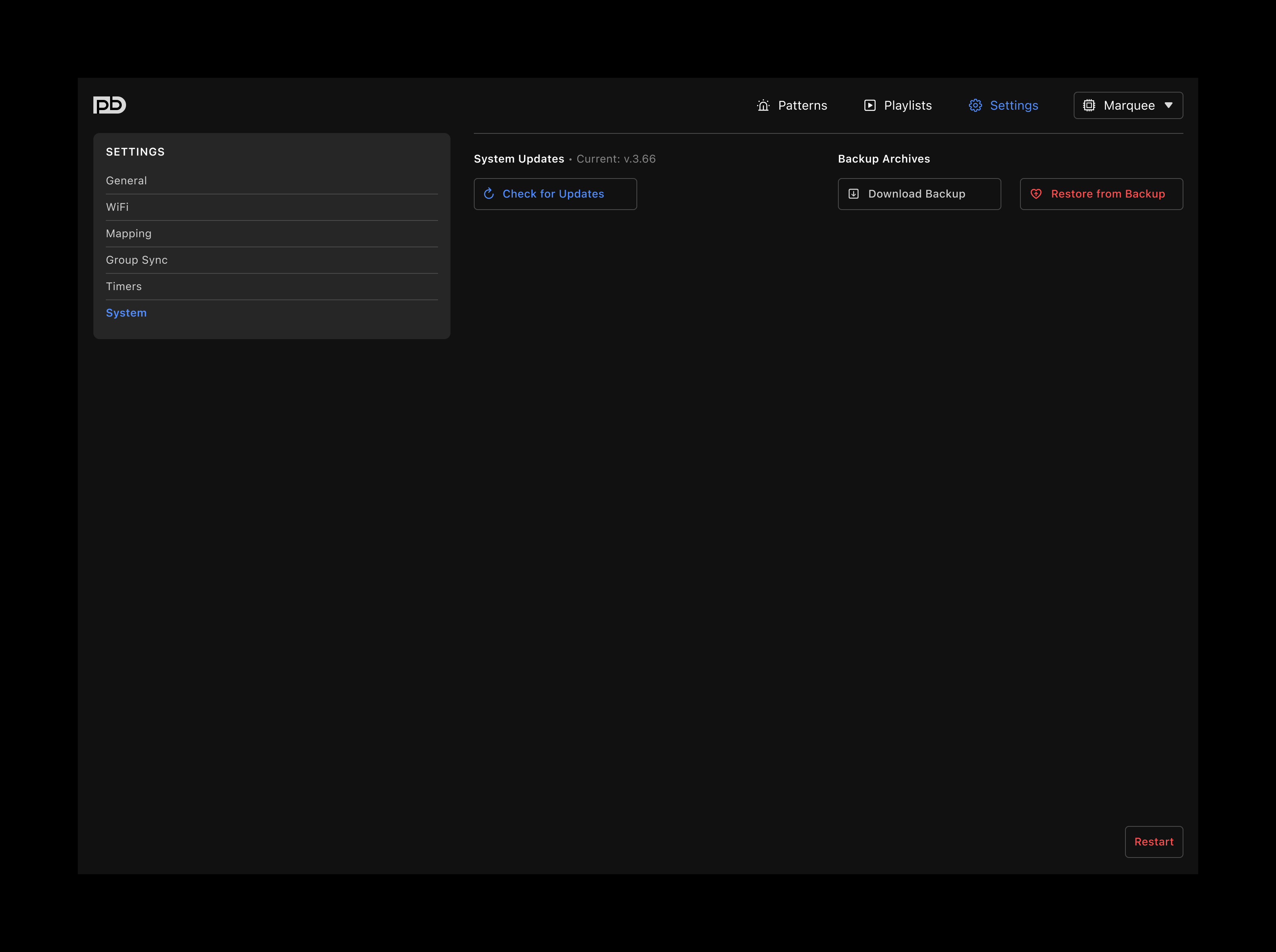
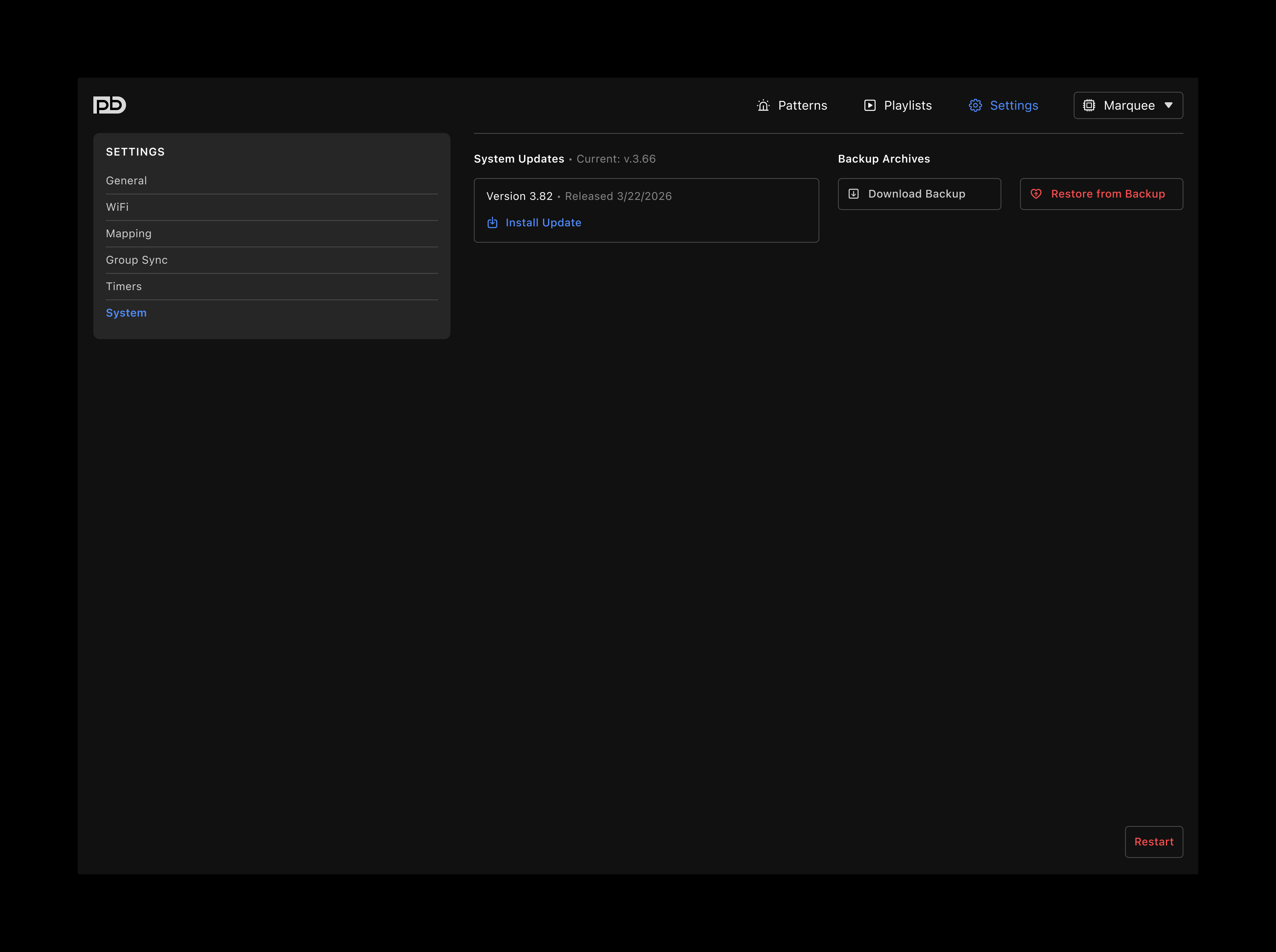
SETTINGS
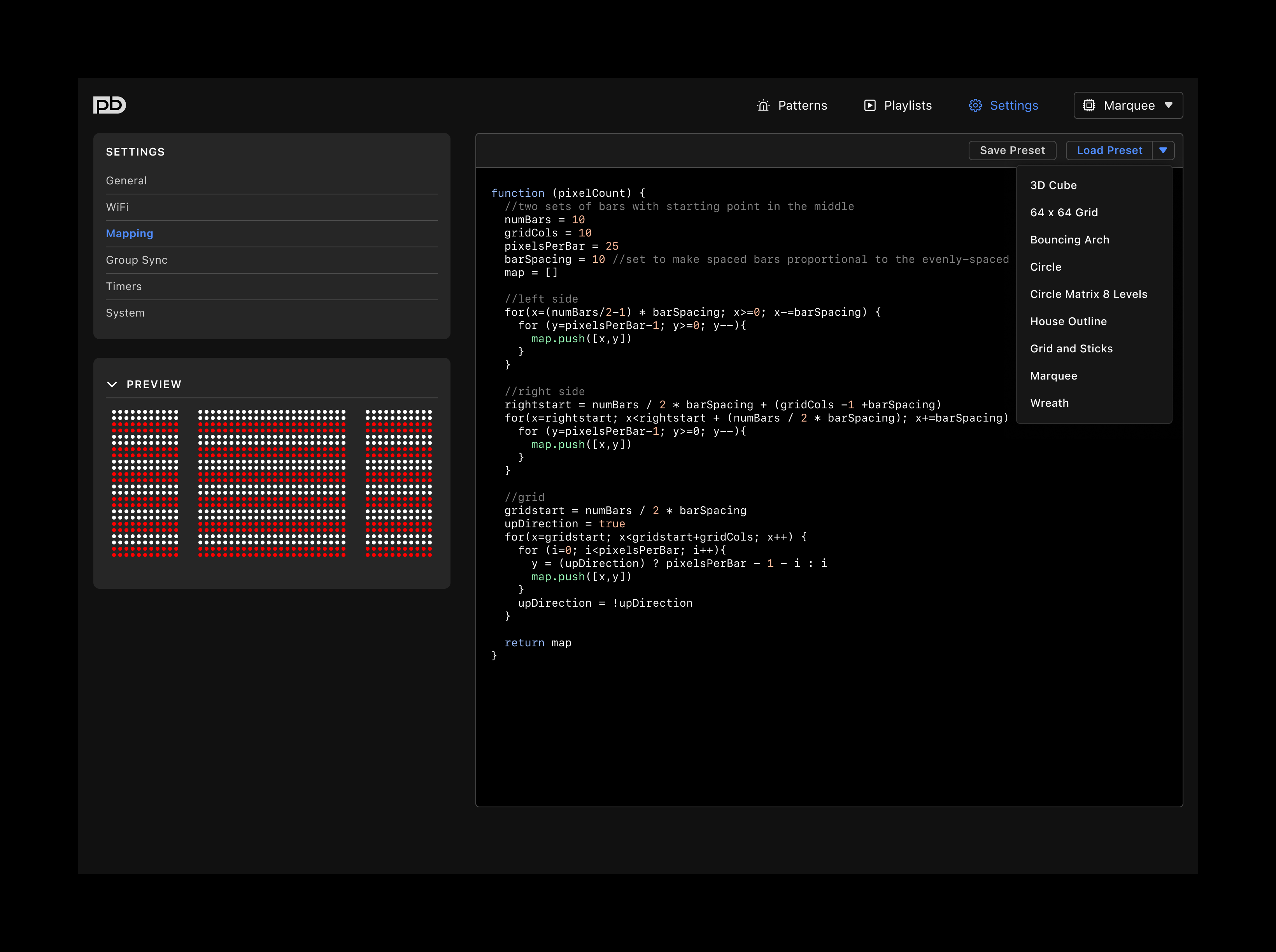
– WiFi and Mapping assimilated as their own settings categories GENERAL
– new option to select default playlist in the event of a reboot MAPPING
– allows for saving custom presets when working with multiple LED configurations (great for test and learning boards)