Last week during the long Thanksgiving weekend, aside from a Friendsgiving dinner, I had some extra time and decided to give the new Gemini 3.0 a serious test run.
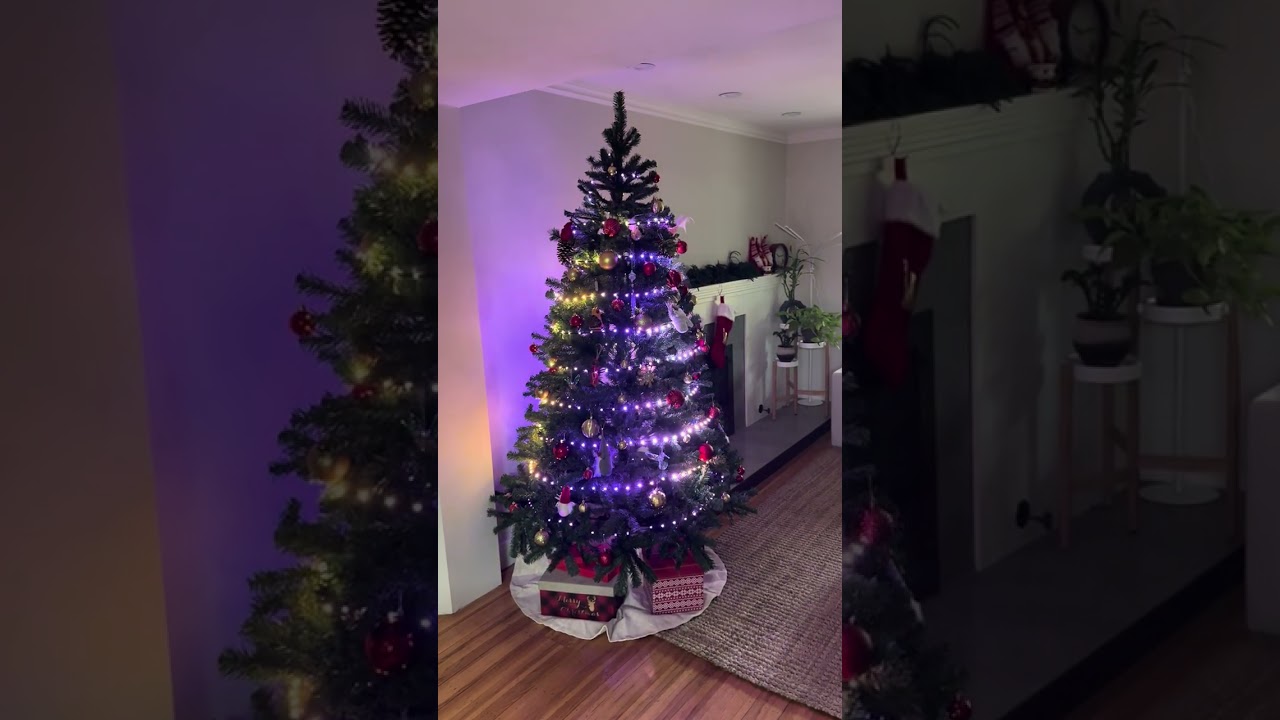
Over a span of about 8 hours, I managed to get our Christmas tree fully wired, mapped, and running with 33 all-new, custom-generated patterns. The twist? I didn’t write the code and only tuned parameters and variables exposed by Gemini to make the patterns look the way I wanted. The entire programming process was done via the Gemini 3.0 web chat without giving it any prior training or specific context.
Jeff Vyduna encouraged me to share the experience here. Hope you all give it a try and make some magic happen!
Here’s a short video of the tree and 3 of the patterns I created:
Yeah, that’s my favorite pattern too. It’s supposed to mimic the movement of a fabric swaying on the tree. There are a few other patterns I like a lot. If I get a chance, I will upload more videos and post them here.
I’d be interested to see what else you’ve done with it. And I am wondering what the code looks like too. I have twists on my tree already, but more like a giant candy cane. Your video has inspired me to try reworking the code for some extra variations. Being a bit old-school (most coding I did was in assembler in the 1980s), I have no clue how or where to start with AI tools though - it will be faster for me to just do a few edits and try them out.
I am at work now, but I can upload the code for the twist pattern.
Also, AI tools are easy these days, just go to gemini.google.com, paste in your existing code, and ask it to do what you want. If you make sure you select the “Thinking” model in the chat, I am 99% sure you only need to copy the code that it writes and paste it in pixelblaze and it will work.
You can certainly copy paste the model code too so Gemini knows your model and generates the patterns based on your model.
Your tree is beautiful - very warm and welcoming! I’d like to see the pattern code, just for fun.
But I’d really like to see your prompts too, if you’re willing to share them. “Ask it to do what you want”, gives very different results when the asker has the high level of skill, experience and intuition that I know you do!
Thanks for the mapping code. I have used a simplified version for a few years where I simply specify the number of lights in each ring. Yours looks like a significant improvement, so I plan to give that a go when I next get the lights set up on the tree in front of our house (500 C9 style lights).
The Gemini links never work for me - not sure why. I just see a “Link doesn’t exist” error message. Do I need to sign in to something other than Google for that to work?
hmm, the chats don’t open for me either anymore. Maybe they have an expiration. Unfortunately I cannot find them in my countless number of chats now, but I’d be happy to share more of the code or the model if that will be helpful


 I’ve learned from the best people like yourself!