Hello my fellow weavers of light.
Ok,so I recently saw the update and uploaded it on both controllers and upon restart one controller is not reconnecting to the wifi. One reconnected just fine the other is giving me grief. Any advice will help.
Hello my fellow weavers of light.
Ok,so I recently saw the update and uploaded it on both controllers and upon restart one controller is not reconnecting to the wifi. One reconnected just fine the other is giving me grief. Any advice will help.
Whats the orange status LED doing when you first power it on?
Hello my fellow weavers of light.
Ok,so I recently saw the update and uploaded it on both controllers and upon restart one controller is not reconnecting to the wifi. One reconnected just fine the other is giving me grief. Any advice will help.
Hi, when I power on the unit the orange led blinks once, then 5 times, the lights blink yellow once then start a pattern. Thank you for responding:folded_hands:


One blink + 3 flashes means its in setup mode. Additionally, every other LED will pulse yellow. This sounds like what’s happening, but would be 3 flashes instead of 5. You’ll have to find the Pixelblaze_XXXXXX wifi network, connect to it, and set up wifi. More detailed instructions here.
I think that is what’s happening, but read below for some more info on LED patterns:
One blink + solid medium brightness means it’s wifi is configured (either Client or AP mode).
One blink + solid super dim means it’s in power save mode and WiFi is off. Holding the button would flash twice and enable WiFi until the next power cycle.
5 flashes might happen if you had wifi power save mode enabled AND setup mode, this would happen when the button was held. It will flash twice indicating wifi is going to turn on, then 3 times to indicate setup mode, which happens back to back and would look like 5. If it is indeed flashing 5 times on power on, then I’d check the button signal and see if it is shorted to GND, like maybe the button is damaged or there’s a short somewhere. Normally it wouldn’t flash 5 times on power on.
Repeated blinks (and optionally flashing) indicate a reboot loop. I don’t think thats happening since a pattern is playing normally. This can be caused by power brownout, often when LEDs first turn on and are drawing too much power, or possibly from a bug causing a crash. If Pixelblaze detects a reboot loop, it will start to enable fail-safe configurations like skipping loading a default pattern, stop giving LEDs data, and eventually even go in to setup mode. Again, I don’t think that is happening to you, but mention it for completeness.
Hi,again thank you for responding🙏
Upon holding the button now I get 1 blink then 3 then solid. The lights start the shuffle sequence and I am able to advance the patterns by pushing the button. I forgot to mention that it was working this way before. There may be a couple of other contributing factors at play here as well.
Before the upgrade and reset (love the upgrade btw!!!) I had this controller following another, which works fine.
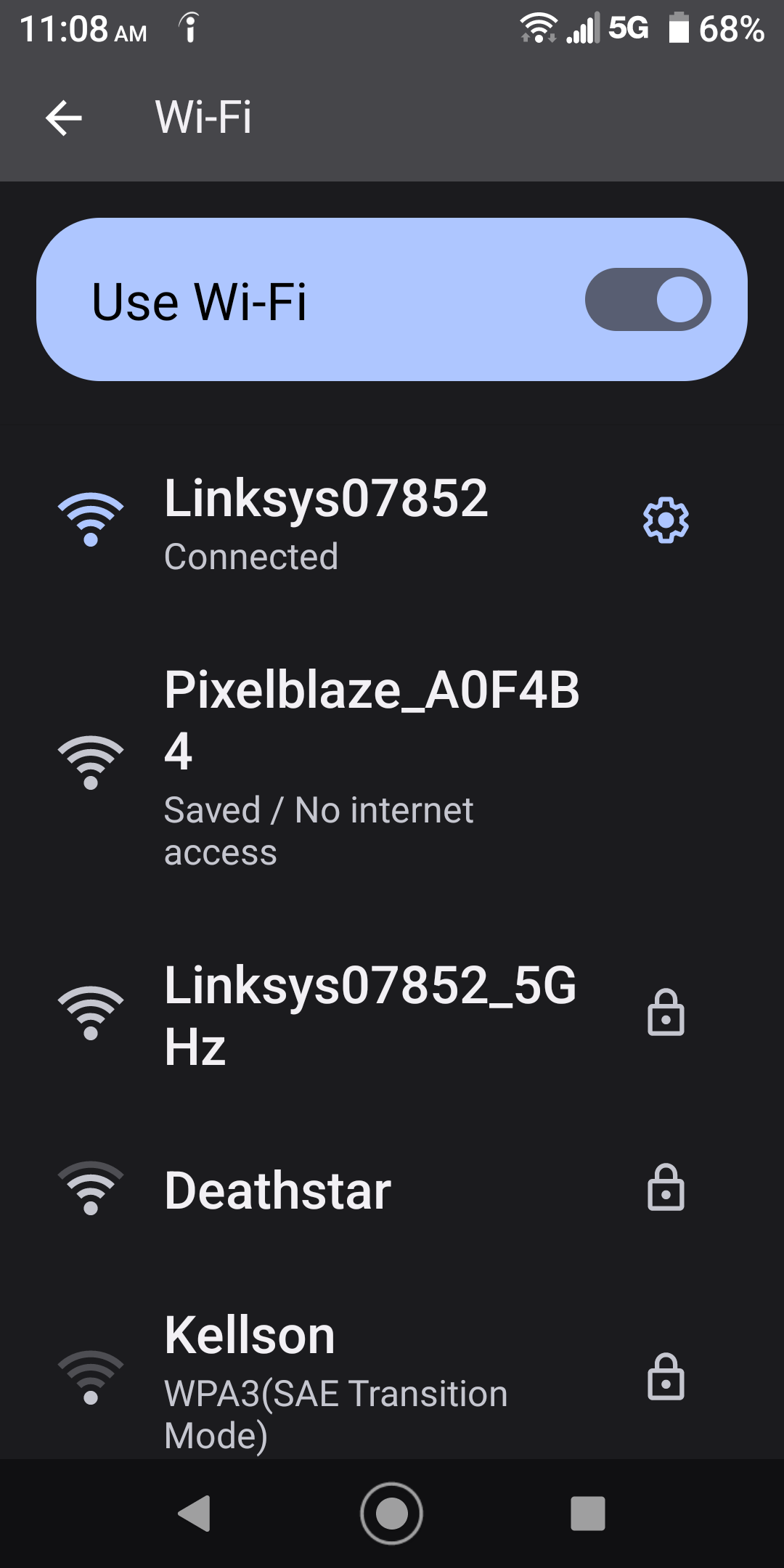
Also it is connected to the WiFi this whole time. It appears on my wifi. Only the one pixelblazexxxxx shows up on my wifi. Should two show up?
I’ve tried unplugging the working one and then trying to connect the other and there’s no difference.
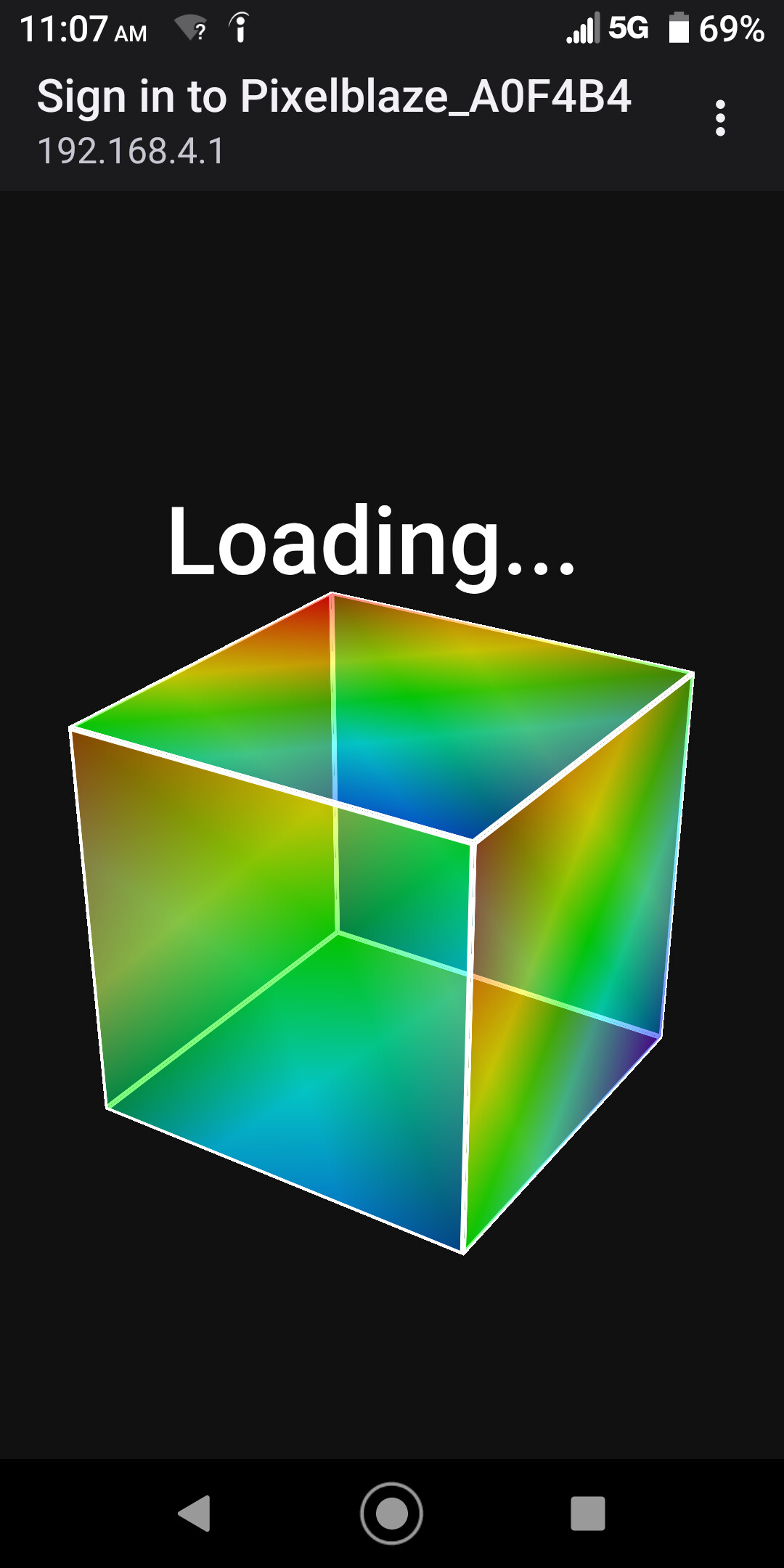
When I try to connect my phone to this wifi I get this.
Did you get stuck on this screen before, just after the update? Or this is a different issue?
I’d try power cycling it, see if you can get the screen to load. If you can’t and keep seeing the spinning cube, it’s possible the app was corrupted and needs to be repaired.
To do that, first download the update file from the release page.
Connect to the Pixelblaze_XXXXXX network, dismiss the stuck spinning cube modal (check in the dots menu on the top right), but stay connected to it’s wifi network. Load up a browser and get to the recovery tool:
From there, you can upload the firmware file, which will hopefully replace the web app file and fix the spinning cube screen.
Ok. Yeah,the spinny cube screen started just after the update.
Just to be clear. I am running 2 controllers in the same room. The main one or the leader reconnected just fine after the update. Should I see 2 pixelblazexxxxx ‘s on my wifi screen? I’m just seeing the one,which I’m not able to connect to.
But the main controller is working fine and I am hooked up to it most of the times that I’m trying to reconnect the problem one. Is this a issue?? Thank you again for your patience and wisdom.
If the other one is still running normally, then no. You’d only see the one in setup mode. When you say you can’t connect, you mean wifi connects ok but you can’t get past the spinning cube, yeah?
It might help to turn off the other one just so you don’t have any chance of getting them mixed up. Work on the spinning cube one, get it updated until it loads properly, then try to get the leader back and synced.
Ok, unplugged the “main" one. Powered on the problem one and the pxelbazexxxxx appears and I am able to connect to it.
But when I try to go to the interface page I get the spinny cube. I’m trying to download the upgrade to reinstall it onto the problem controller? How do I go about doing this? Sorry this is just at my tech brain limits,lol
On the bottom of this post you’ll see 2 links for files ending in “.stfu” - one is for the standard, one is for the pico model.
Then do this part:
The recovery tool is a basic white page, with an Update tab. There’s a section called “Upload Update File” - this is where you can upload the .stfu file.
Ok,tried that. The recovery tool page will not load.
You might want to try it on a computer if your phone is giving you trouble. Just gotta make sure that it stays connected to the Pixelblaze_XXXXXX wifi network when you put that URL in a browser.
You can also try
http://192.168.4.1/update
This version has no progress indicators, so once you start the upload, stay on the page until it completes, could be a minute or two.
I updated two PBs located near each other, also. Updates completed on both, though one hung in the middle of file 3 download and, after I repowered it, was directed to a recovery page from where I was able to get through the update. One the other one, some time after the update and running fine, I repowered it and tried to connect, the cube page wouldn’t appear right away, so I waited an uncomfortable amount of time (like it’s hung), which is why I came here to read this, during which time the cube load page finally appeared and all is fine. Notably on that PB I have it configured where I have to hold the button to enable WiFi, which I did right after the power up. Ultimately all is well and back to normal.
This topic was automatically closed 120 days after the last reply. New replies are no longer allowed.